


FLUX Timer
⏰ FLUX Timer
⌛️ “FLUX Timer”: A timer that lets you design your live stream screen
“Make your loading screen even more luxurious.”
Are you still using the default timer during breaks or before starting your live stream?
FLUX Timer is a next-generation timer overlay designed exclusively for OBS, allowing you to freely customize fonts, colors, and sizes to match the atmosphere of your stream.
Since you can change the appearance in real time from the control panel, you can optimize the design on the spot without interrupting your stream.
✨ Key Features
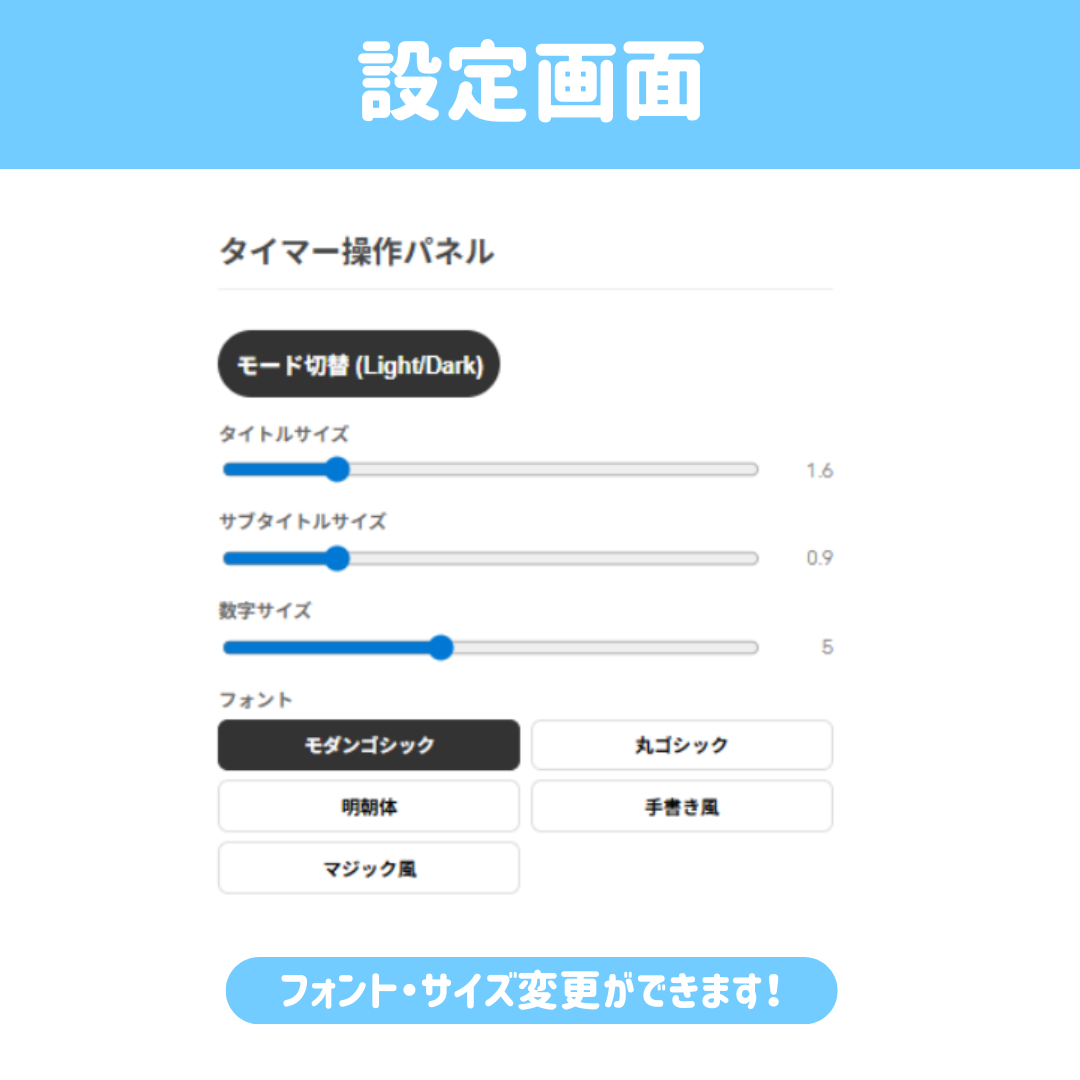
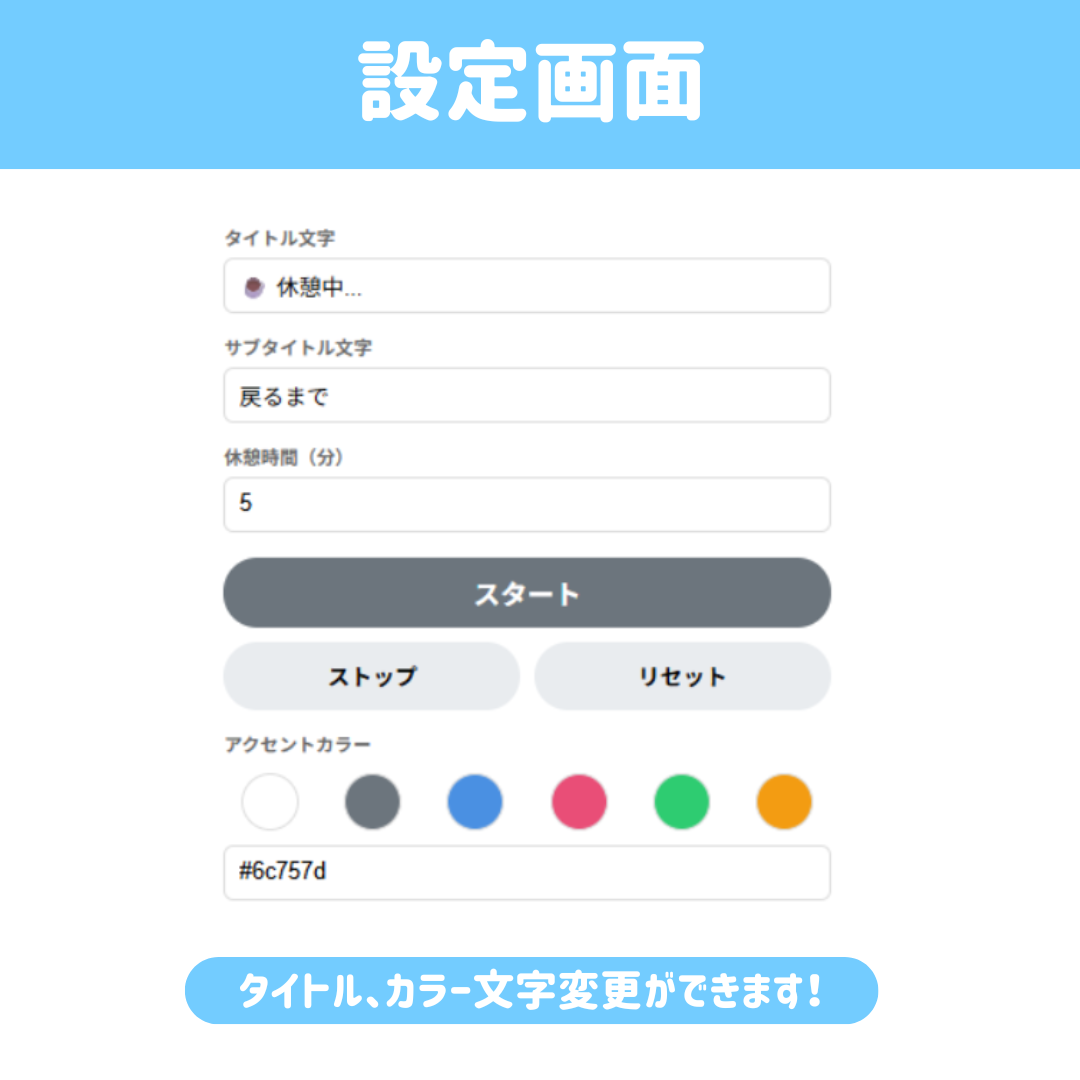
🎨 Real-time Customization: Just move the control panel, and the timer in OBS transforms instantly!
🌗 Dark/Light Mode Switch: Ensure visibility with a single click to match your stream’s background.
🖋 Customizable Fonts and Sizes: From modern sans-serif to cute handwritten styles—use the slider to find your ideal balance.
🛠 Optimized for OBS: Simply load it as a browser source. It runs smoothly with minimal system load.
🎁 Choose from 2 Editions
🟢 [Free Version] For those who want to try it out first
Basic timer functions
Dark/Light Mode Switch
Font selection (2 carefully selected types)
Color selection (4 basic colors)
Character limits (10 characters for title / 6 characters for subtitle)
💎 [Pro Version] For creators who want to go the extra mile
Unlock all features! Full customization with no restrictions
Select any font (Mincho, handwritten, magic marker style, etc.)
Custom color settings (supports hex input for your personal colors!)
No character limit! Long messages are OK
Compatible with future updates
🚀 Easy Setup in 3 Steps
1. Drag and drop the downloaded `display.html` file into OBS’s “Browser Source.”
2. Open `controller.html` in a browser (or control it via OBS’s “Interaction” feature).
3. Customize the design to your liking and start streaming!
📦 Package Contents
- display.html (Main display file)
- controller.html (Control panel)
- Readme.txt (Detailed user manual)
- Terms of Use.txt (Please be sure to read this)
Add a professional touch to your stream.
Use FLUX Timer now to create a pre-show screen that will get your viewers excited!