
Next Topic Wheel
🎲 Next Topic Wheel
What is NextTopicWheel?
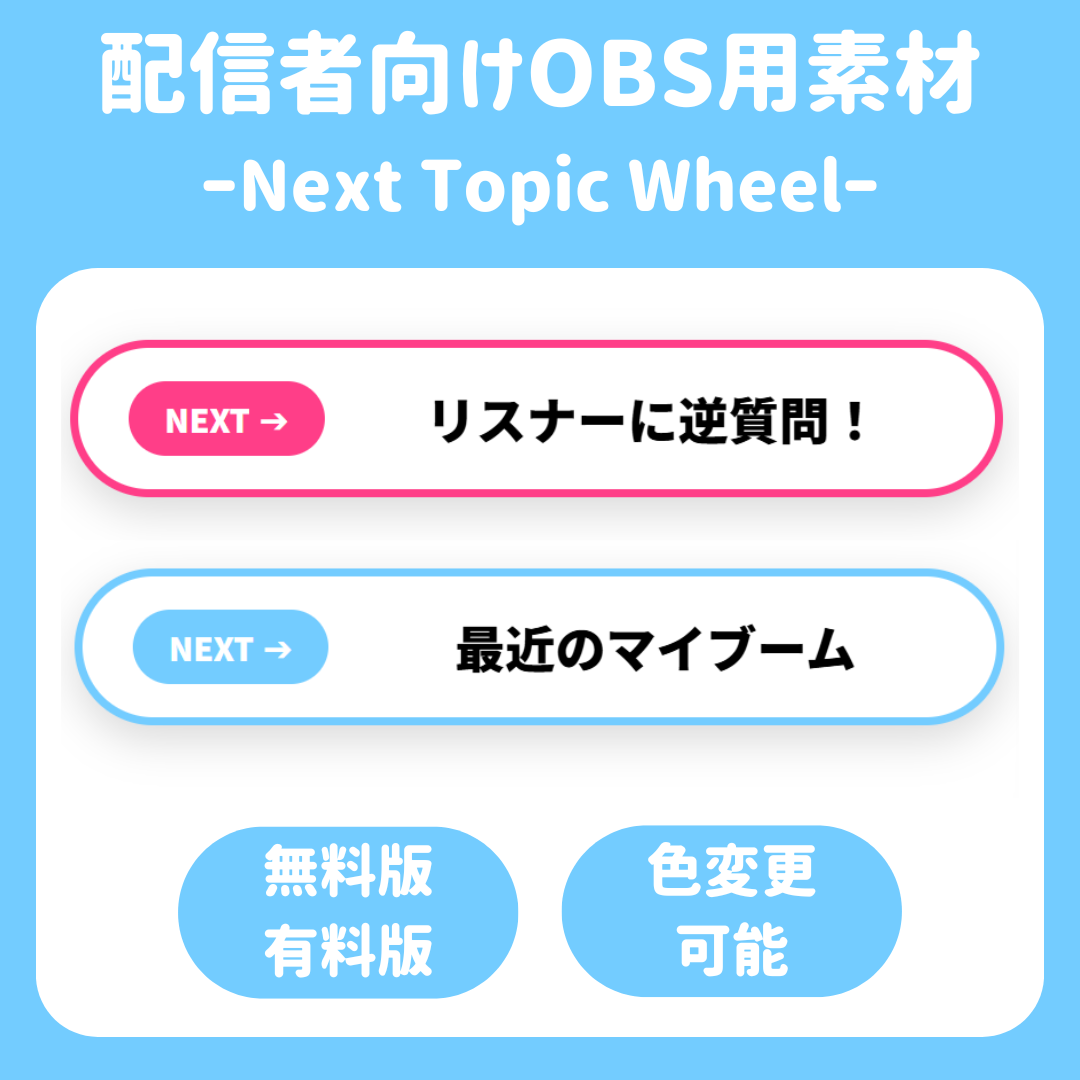
It’s a stylish, slot-style roulette tool that you can place on your live stream screen.
It can be widely used to liven up your streams—whether for deciding talk topics or listener-participation segments! 🎮
✨ Features
・Optimized for OBS Studio 🎥
Simply load it as a browser source, and it will immediately appear on your stream screen.
・Real-time Control ⚡
You can change topics and start the roulette in real time from the dedicated controller screen.
・Lightweight, High-Precision Synchronization System 🤝
The broadcast screen and control screen are precisely synchronized. Additionally, its design minimizes the load on your PC, ensuring smooth animations regardless of the number of topics.
・Two Editions to Choose From 💎
Depending on your needs, you can choose between the “Free Edition” with limited features and the “Pro Edition” with all features unlocked.
🚀 How to Use
1. Setting Up the Display Screen 📺
Add “display.html” as a browser source in OBS.
The recommended size is 800px wide by 200px high.
2. Preparing the Control Screen 💻
Open “controller.html” in OBS’s interactive control panel.
3. Running the Roulette 🌀
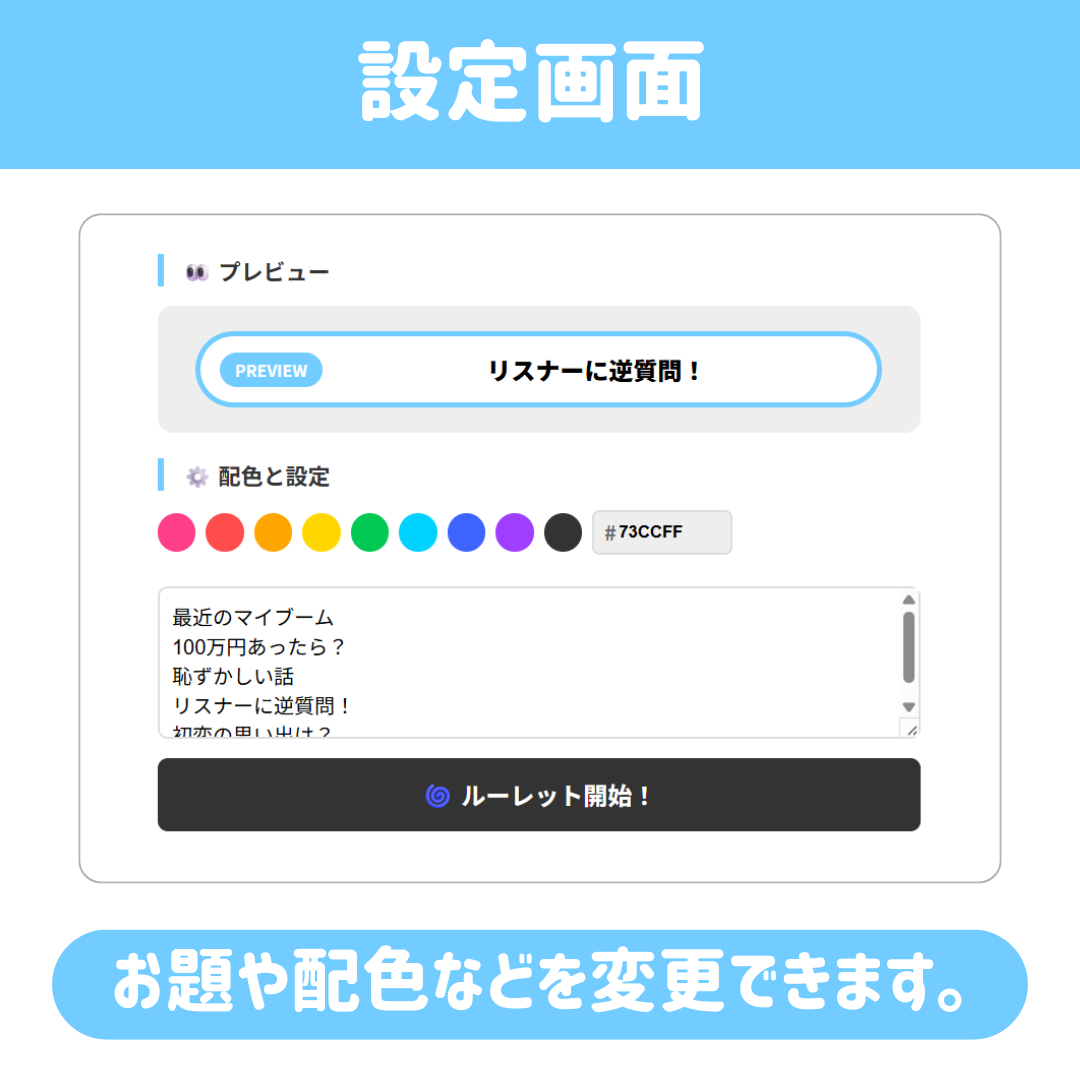
After entering a prompt and selecting a color scheme, click the “Start Roulette!” button.
🎁 Differences Between Editions
・Free Edition ⚪
Prompt entries are limited to a maximum of 5 lines. You can choose from 3 preset color schemes.
・Pro Edition 👑
There is no limit to the number of lines you can enter for the prompt. In addition to selecting full-color themes, you can specify colors freely using hex color codes.
💻 System Requirements
- Recommended for use with OBS Studio
- Latest versions of browsers such as Google Chrome and Microsoft Edge
(*Synchronization is only possible on the same PC ⚠️)