

Neon Frame
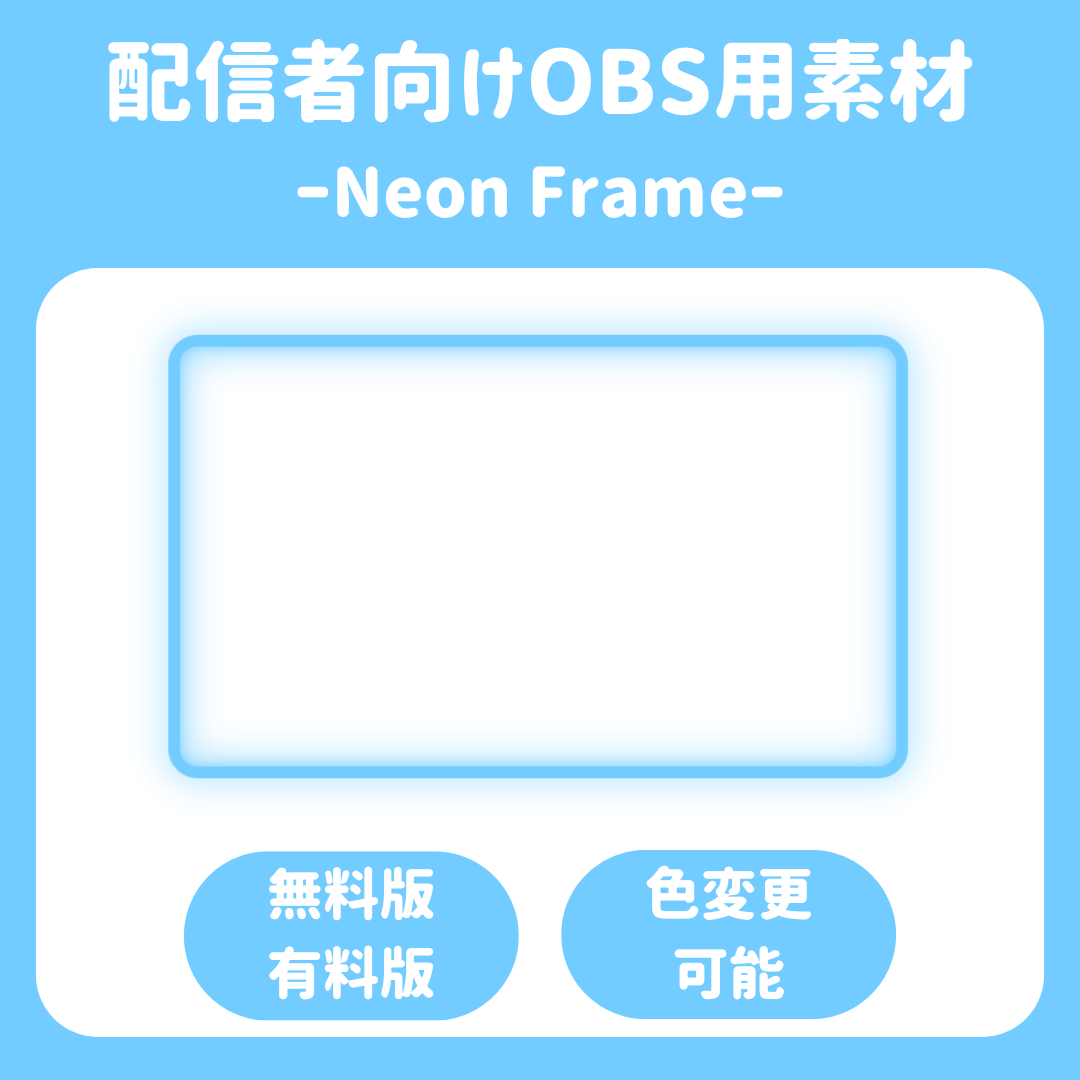
⏰ Neon Frame
💎 Add some flair to your streams! Custom neon tube frames
“A plain image just isn’t enough.”
Why not bring your stream to life with vibrant “light”? ✨
This HTML-based streaming asset lets you beautifully and stylishly frame the edges of your screen simply by entering the URL into streaming software like OBS.
🌟 Key Features of This Asset
・Dynamically resizable! 🛠️
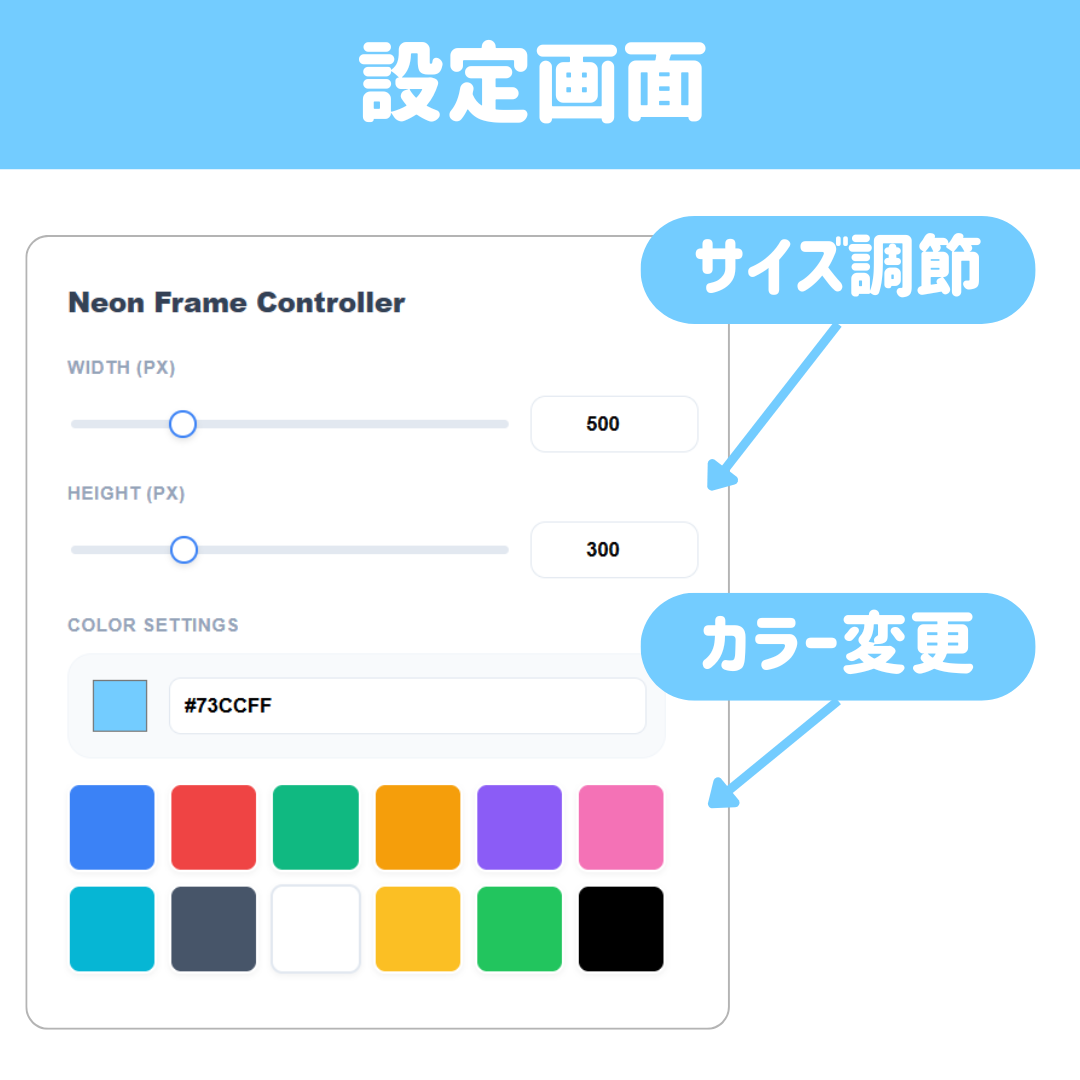
Use the dedicated controller to adjust the frame size in 1-pixel increments to fit your streaming screen.
・Ultra-lightweight via browser source code! 🚀
Unlike video assets, it delivers high-quality glowing effects while minimizing the load on your PC.
・Modern UI Controller 💻
Includes a beautiful, white-themed control panel that’s intuitive to use.
🎁 Lineup Introduction
🔹 [FREE Ver.] Start here!
The perfect basic set for those who want to try it out.
- Size settings: Up to 500px × 500px 📏
- Colors: 3 carefully selected basic colors (Blue / Red / Green) 🔵🔴🟢
- Price: Free 🆓
👑 [PRO Version] Create a stream with a personal touch.
All restrictions are lifted, allowing you to perfectly reproduce your brand colors.
- Size settings: Unlimited (Supports Full HD 1920px and higher!) 📐
- Custom colors: Create an infinite variety of colors using the color picker or by entering hex codes (HEX) 🎨
- Presets: Apply over 12 rich color palettes with a single click 🌈
- Advanced Settings: A professional-grade UI supporting both numerical input and sliders 💎
🛠️ How to Use (3 Easy Steps)
1. Add display.html as a “Browser Source” in OBS 🌐
2. Add controller.html as a “Browser Source” in OBS and simply open it via interactive controls 🖱️
3. Just click to choose your favorite color and size! It’ll instantly appear on your stream ✨
Now, let’s add a “professional touch” to your stream! 🚀
💡 Additional Notes (For Creators)
*This resource uses JavaScript’s localStorage. Since it exchanges information between browsers on the same computer, your settings are saved, allowing you to start with the same settings the next time you launch the browser.