
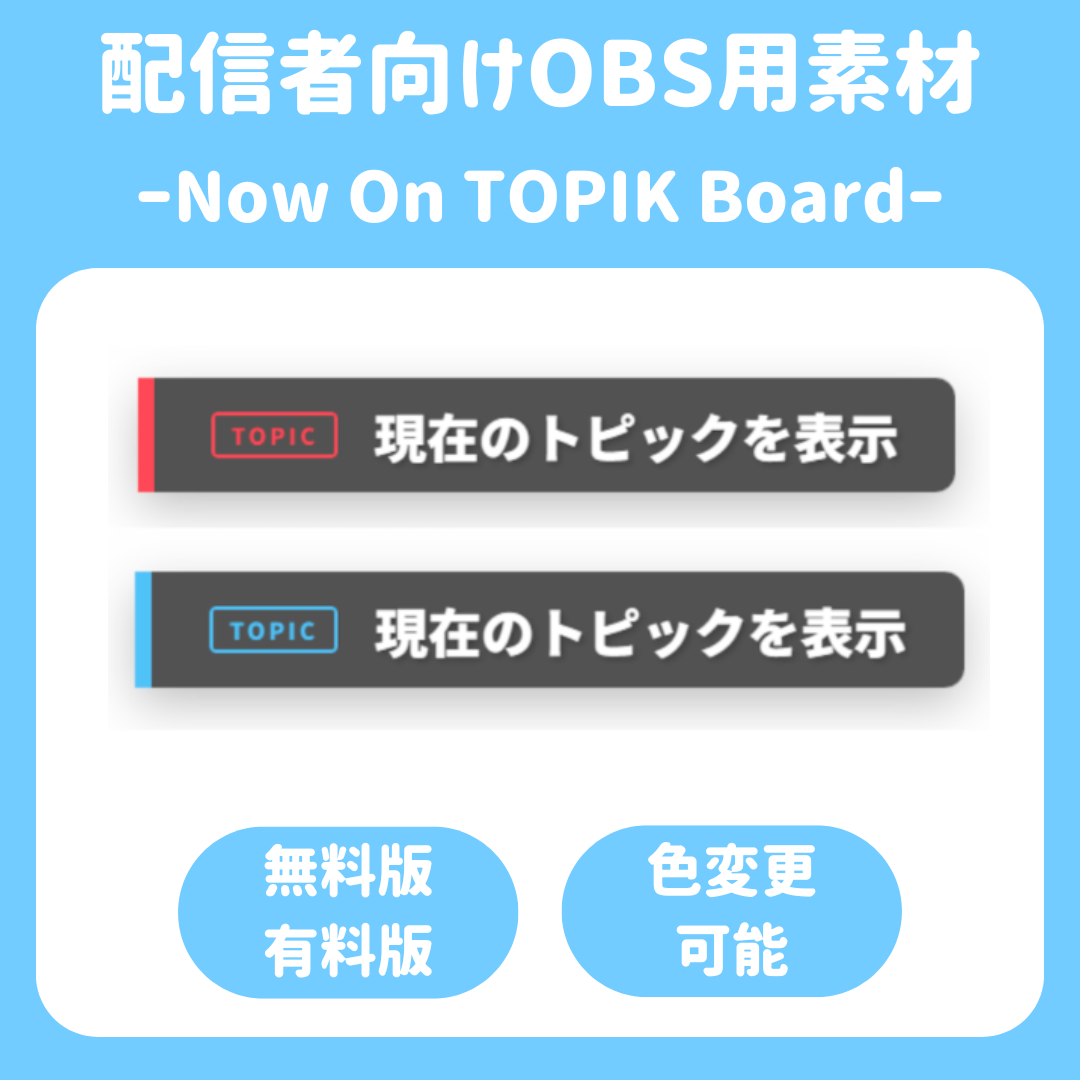

Now On TOPIK Board
📝 Now on the TOPIK Board
“I want to let my listeners know what I’m talking about right now…” 💭
“But it’s such a hassle to go through the trouble of creating an image!”😫
For streamers like that, we’ve created a “magic sign” that lets you change both the text and color instantly right in OBS! ✨
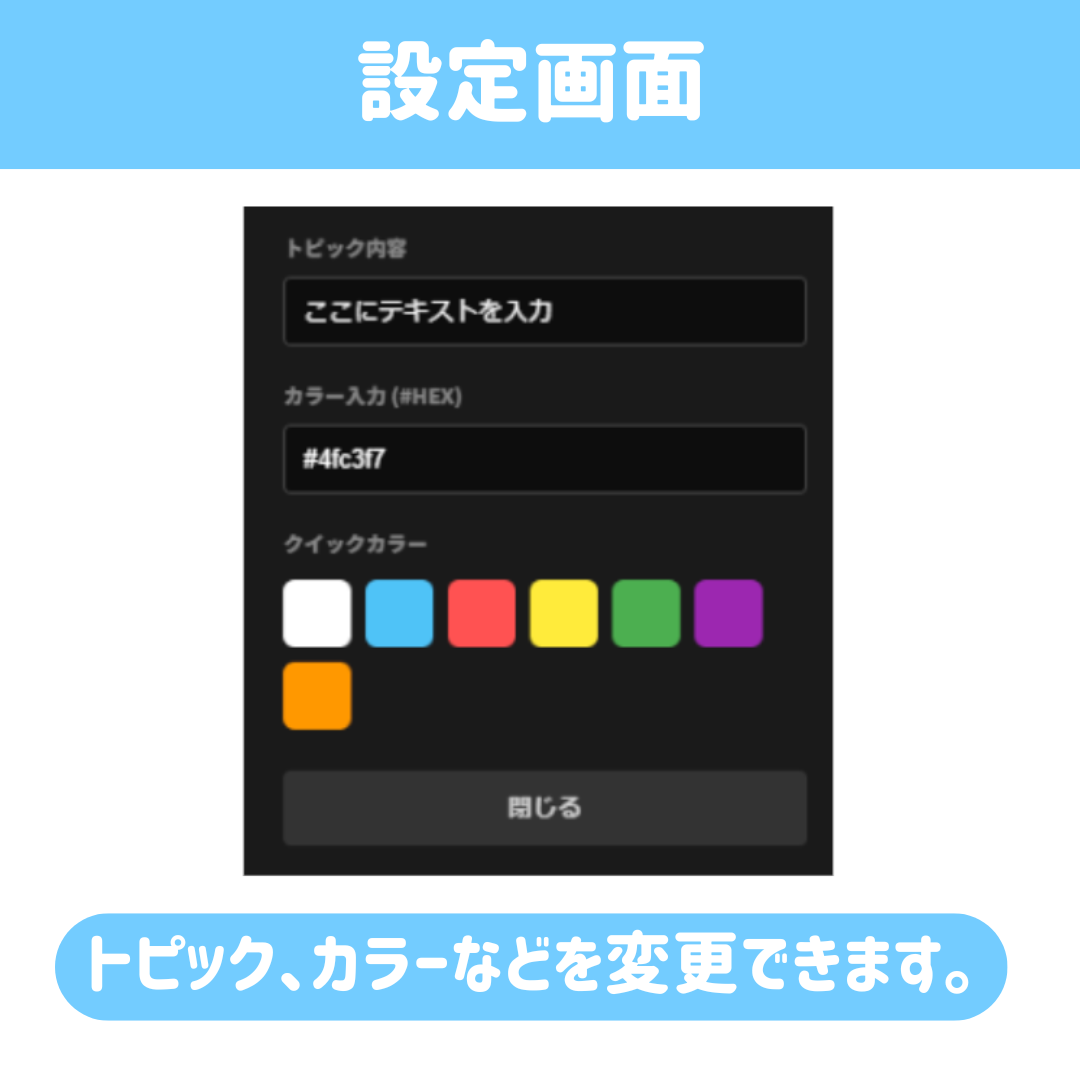
Just press the settings button (⚙️) and type in your text!
You can seamlessly switch between segment introductions and talk topics without interrupting your stream.
🌟 Here’s what makes this resource so awesome!
- Everything is done right in OBS! 🎨 No image editing software needed.
- Real-time updates! ⚡ Quickly edit text from the “Chat” screen while streaming.
- Simple & cool! 🖤 A deep black design that blends seamlessly with any game screen or casual chat screen.
- Change colors in an instant! 🌈 Choose colors from the palette to match your mood or the vibe of your stream.
🎁 Choose from 2 plans
1️⃣ [FREE Version] Try it out first!
For those who want to “just give it a try!”
📝 Enter up to 10 characters
🎨 Choose from 3 basic colors (white, light blue, red)
💰 Completely free!
2️⃣ [Pro Version] Want more freedom and customization?
For those who say, “I want to create my very own streaming screen!”
📝 No character limit! Create as long a title as you like
🎨 Full color palette unlocked! You can even specify your favorite colors using HEX codes
🚀 Priority access to future updates (including new features)!
🛠️ How to Use (It’s super easy!)
1. Load it into OBS as a browser source 📥
2. Right-click the source and select “Interact” 🖱️
3. Just click the ⚙️ icon and choose your text and color! ✨
⚠️ Terms of Use
- Can be used for personal, commercial, and monetized streams
- Redistribution, resale, and claiming this as your own work are prohibited
- Please check the included README for detailed terms of use.
- Credit attribution is optional.