
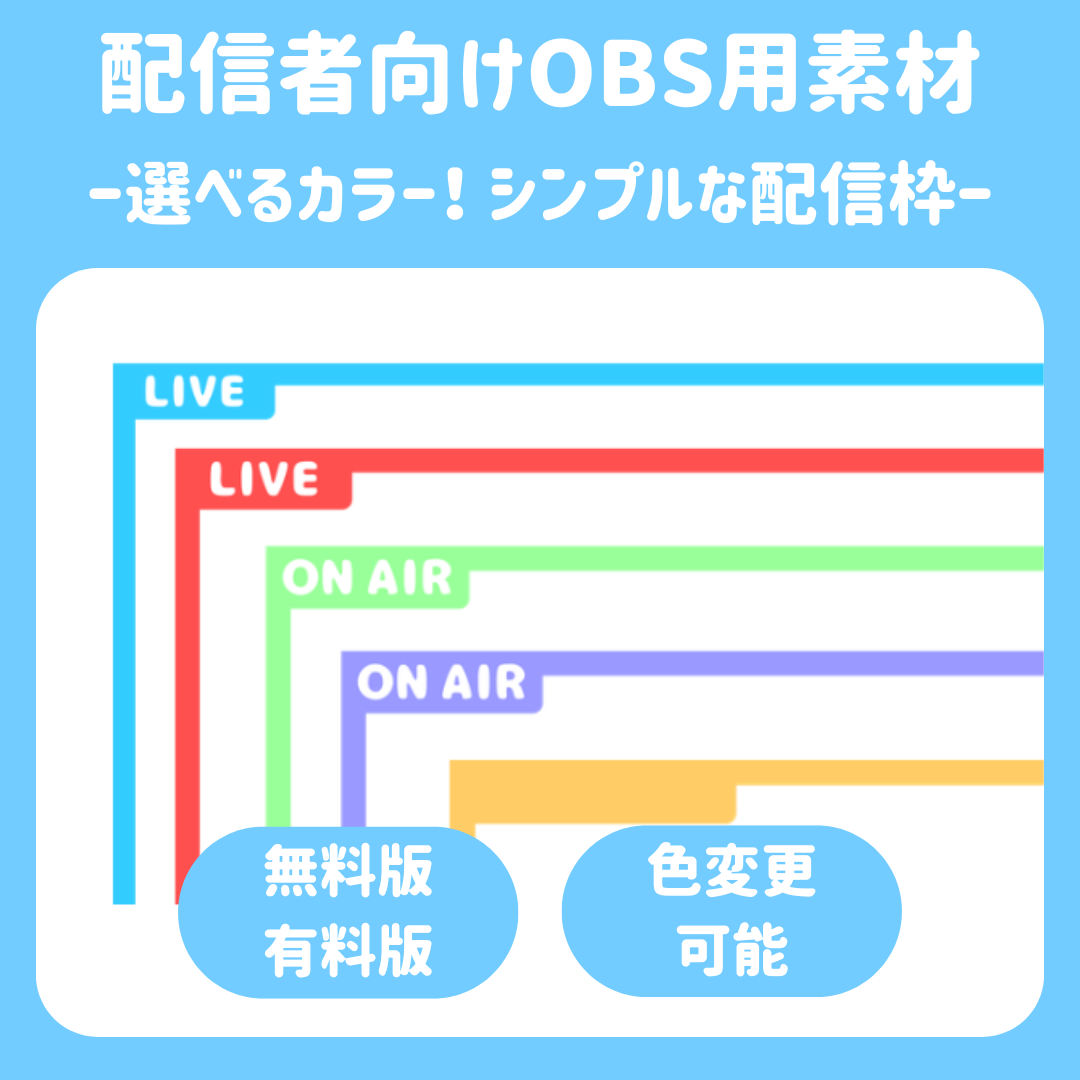

[Streaming Background] Choose Your Color! Simple Streaming Background
[Streaming Background] Choose Your Color! Simple Streaming Background
[Simple and Eye-Catching! Streaming Background Frame]
Brighten up your streaming screen! ✨
These simple and stylish streaming background templates are easy to use in any situation.
Not only can you start streaming right away with text like “ON AIR” or “LIVE,” but you can also add your favorite logo to the
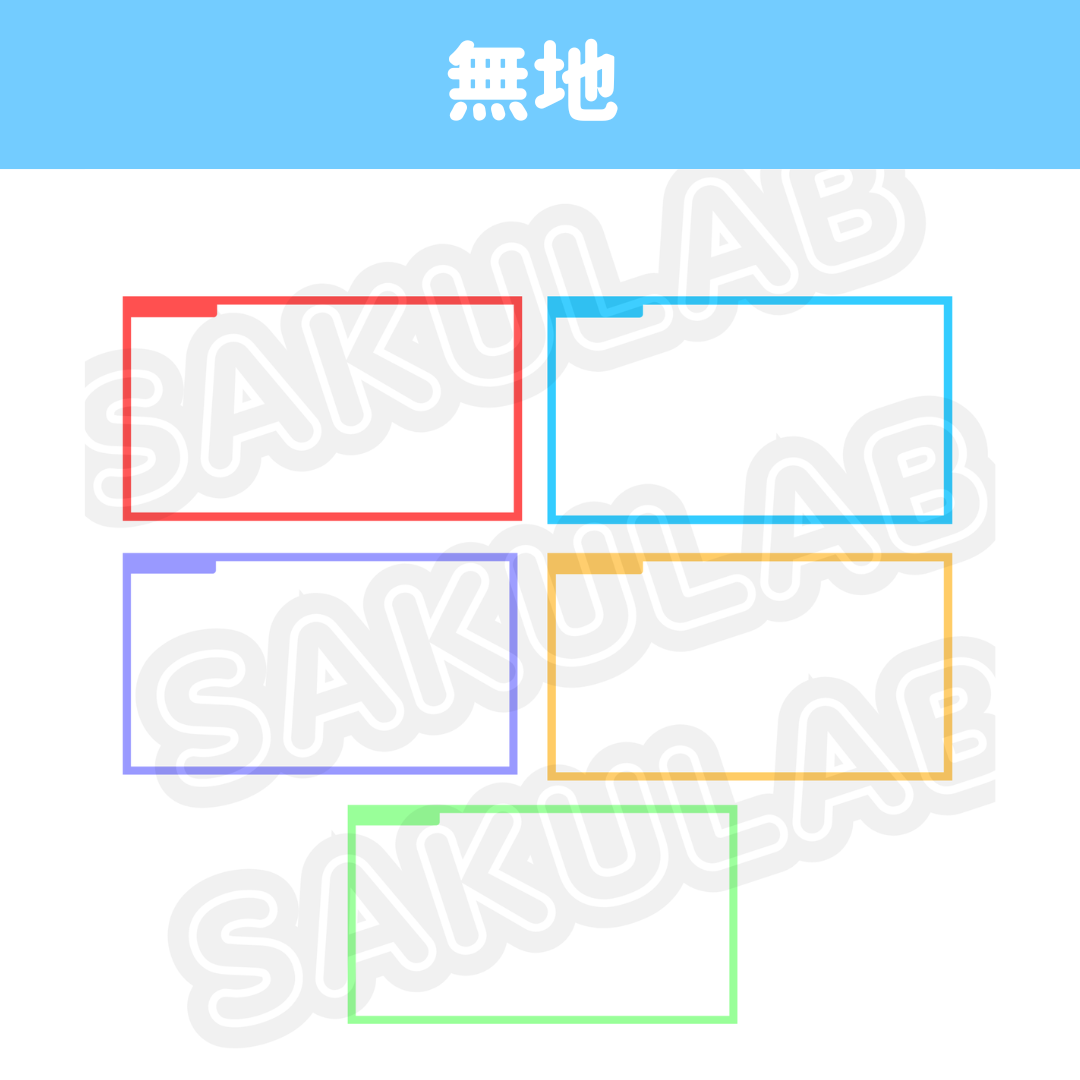
“plain” version to create your very own original screen! 🎨✨
🎨 Color Variations
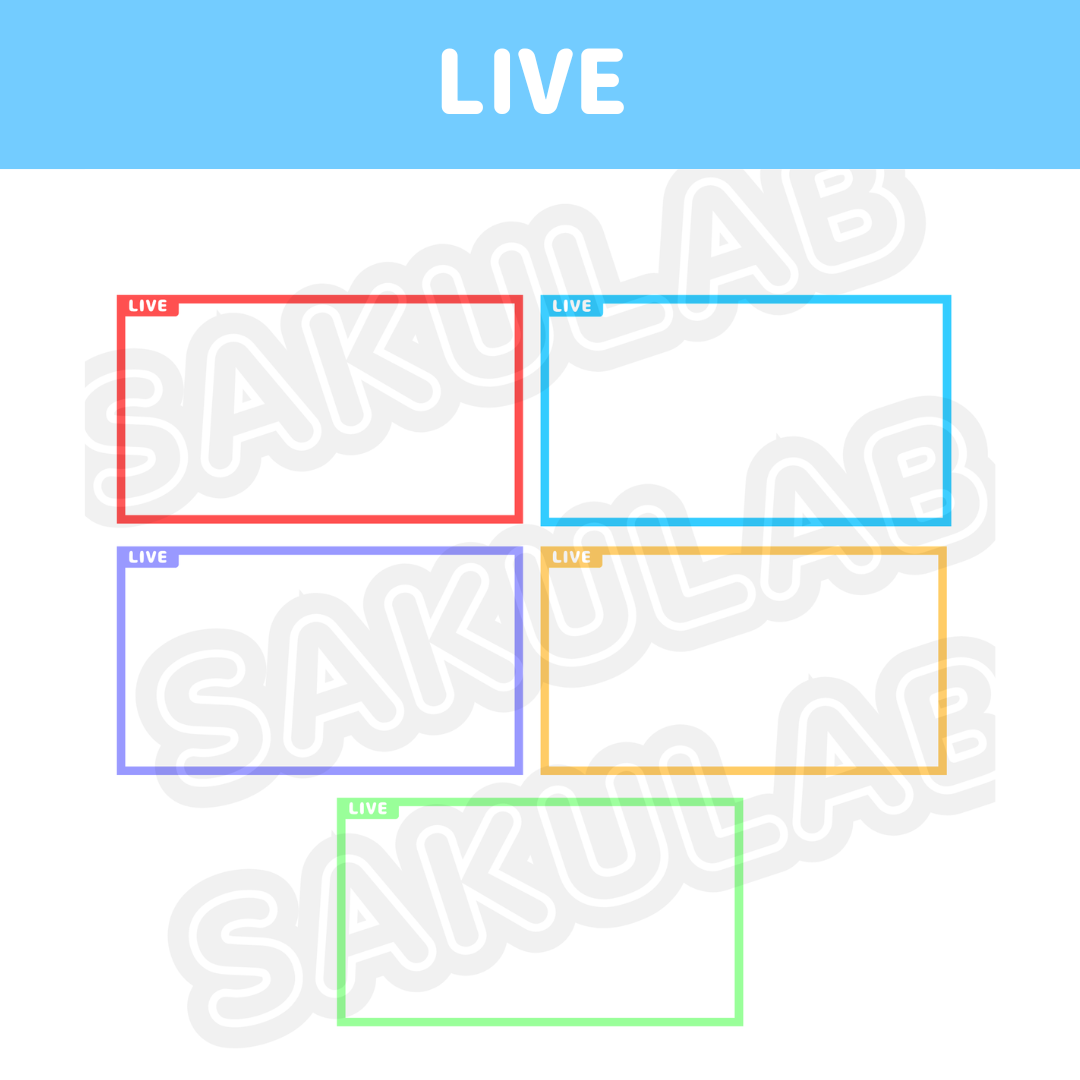
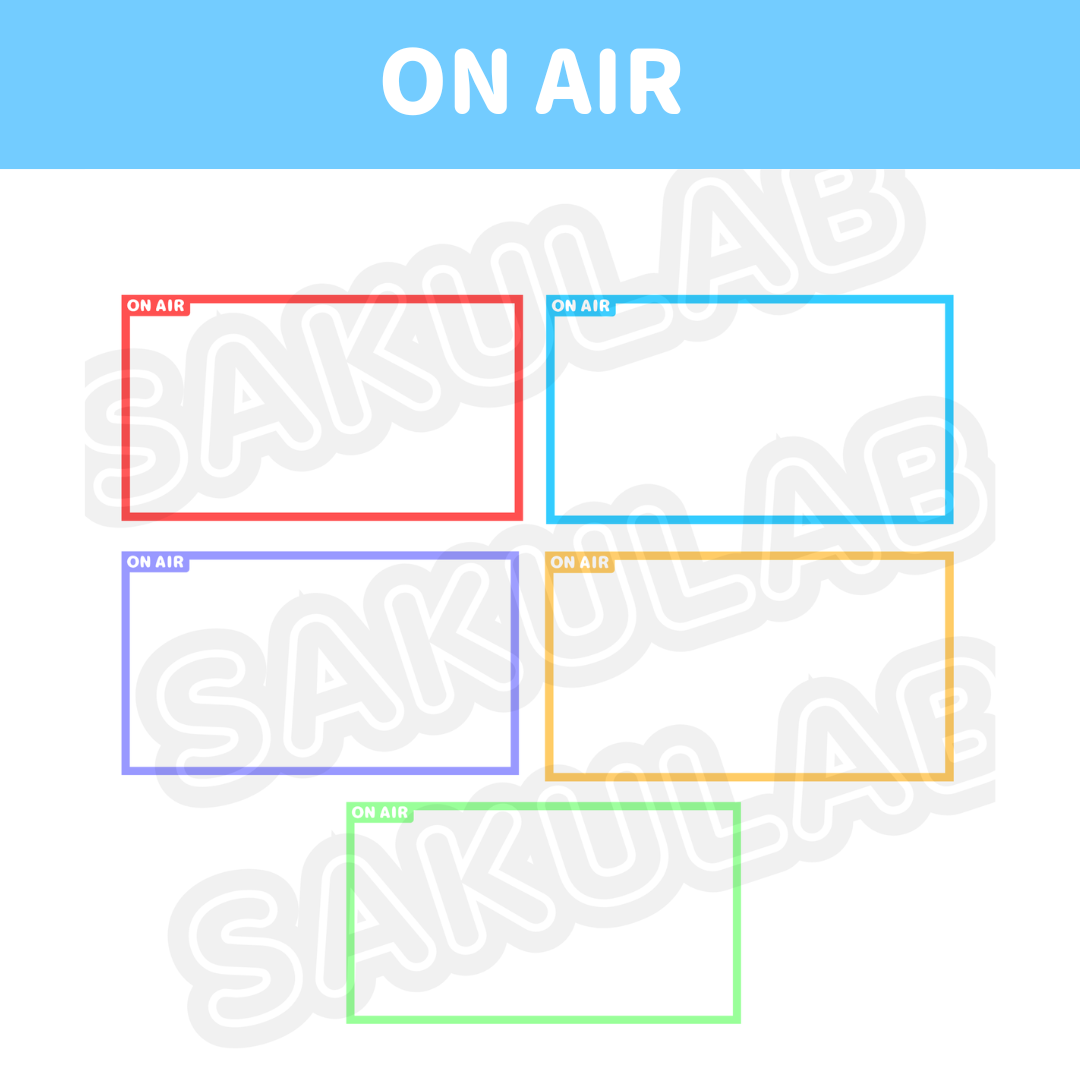
Pick your favorite color! 🔴🔵🟢🟣🟡
- Red (Passionate Red!)
- Blue (Refreshing Blue!)
- Green (Easy-on-the-Eyes Green!)
- Purple (Stylish Purple!)
- Yellow (Energetic Yellow!)
📦 Contents (Each Color Set)
🏷 Plain: Customize however you like!
📺 LIVE: For daily chats and game streams!
🎙 ON AIR: For special broadcasts and recordings!
💎 [Very Popular] Complete Set
This is a great value complete pack that includes all 5 colors × 3 patterns (15 images total)! 🌈✨
🎁 [Trial] Free Version
Check out how they work first! We’ve prepared the yellow version. 🔰
📐 File Specifications
Format: Transparent PNG (The background is transparent, so just layer it on top!) ✨
Size: 1920 × 1080 px (High quality!)
📜 Terms of Use
✅ OK: Personal and commercial use; use in videos, streams, and thumbnails; color adjustments and resizing.
❌ NOT OK: Redistribution, resale, claiming it as your own work, or use in activities that violate public order and morals.
📝 Credit: No credit required! (But I’d be overjoyed if you gave me a shout-out! 😭💖)
🛠 How to Use
1. Launch your streaming software, like OBS! 🚀
2. Go to “Sources” → “Image” and choose your favorite color!
3. Place it on top of your screen, adjust the size, and you’re done!
4. For the plain background versions, feel free to customize them by adding logos or text in the top-left corner! ✍️✨
In Closing
We’re cheering you on for a wonderful streaming life! 📣✨
Become a supporter on FANBOX and you might be able to get a set at a great price?!